
A smart traffic light school project is a working model in which sensors notice how many vehicles are waiting and a small microcontroller board gives the busier road a longer green, instead of using the same fixed timing all day. It is a popular science exhibition model for classes 6 to 10 because it joins electronics, road safety and problem solving. This page explains the idea in simple words, lists the parts, describes the build step by step without any code, and helps you explain it to judges. Try the live lamps placed on this page first: a normal light runs on a fixed clock, and your model will learn to bend that clock.
Quick facts
Big idea
Green time follows the traffic, not the clock.Brain
A small microcontroller board powered by a low-voltage supply.Eyes
Infrared obstacle sensors that notice a toy car passing or waiting.Lamps
Red, yellow and green LEDs, each with its own resistor.Extra
An emergency button that turns the light green for an ambulance.Safety
Power from a power bank or battery pack only, never from mains.
What makes a traffic light smart
An ordinary signal follows a timer. It might give each road forty seconds of green whether ten vehicles are waiting or none. At night, drivers sit at an empty junction, and at rush hour one road gets jammed while the other is clear.
A smart signal adds three things:
- Sensing: detectors on each road notice vehicles, either by counting them as they pass or by checking how far back the queue reaches.
- Deciding: a controller compares the roads and gives more green to the one with the longer line.
- Priority: when an ambulance or fire engine comes, the controller turns its road green at once and holds the others at red.
Several Indian cities already use adaptive signals and cameras at major junctions. Some of those cameras also catch red light jumping and over speeding, and the owner then gets an automatic traffic challan; our e-challan guide explains how that is checked.
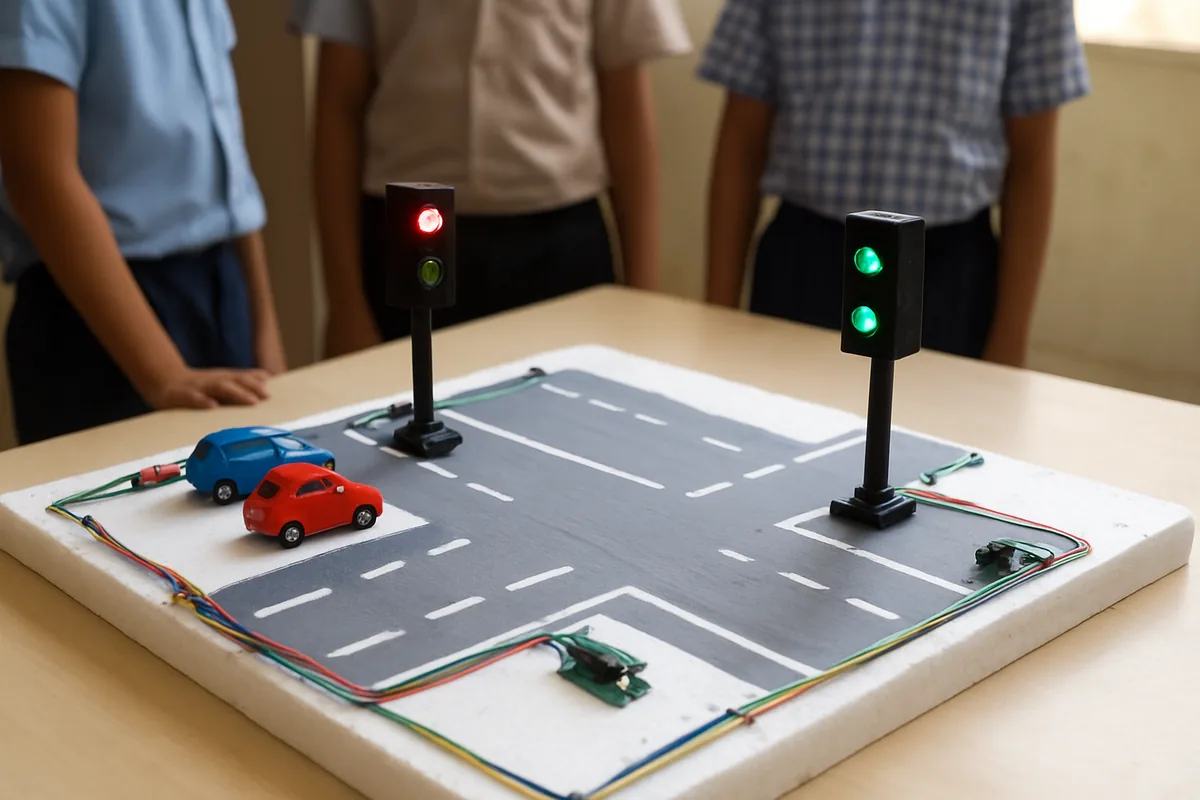
Parts list for the smart traffic light school project
| Part | How many | Job in the model |
|---|---|---|
| Microcontroller board with USB cable | 1 | The brain that reads sensors and switches lamps |
| LEDs, red, yellow, green | 1 of each, or 2 sets for two roads | The signal lamps |
| Resistors of about 220 ohms | 1 per LED | Limit current so LEDs do not burn |
| IR obstacle sensor modules | 2 to 4 | Notice toy vehicles in the lane |
| Push switch | 1 | Emergency vehicle button |
| Breadboard and jumper wires | 1 set | Connections without soldering |
| Power bank or battery pack | 1 | Safe low-voltage power |
| Thermocol sheet, chart paper, toy cars | As needed | The road layout |
Many shops sell a school project traffic light kit with the board, LEDs, resistors and wires together, which saves time.
Build the circuit in plain steps
Work slowly and check each joint. Keep the board unplugged while you connect parts.
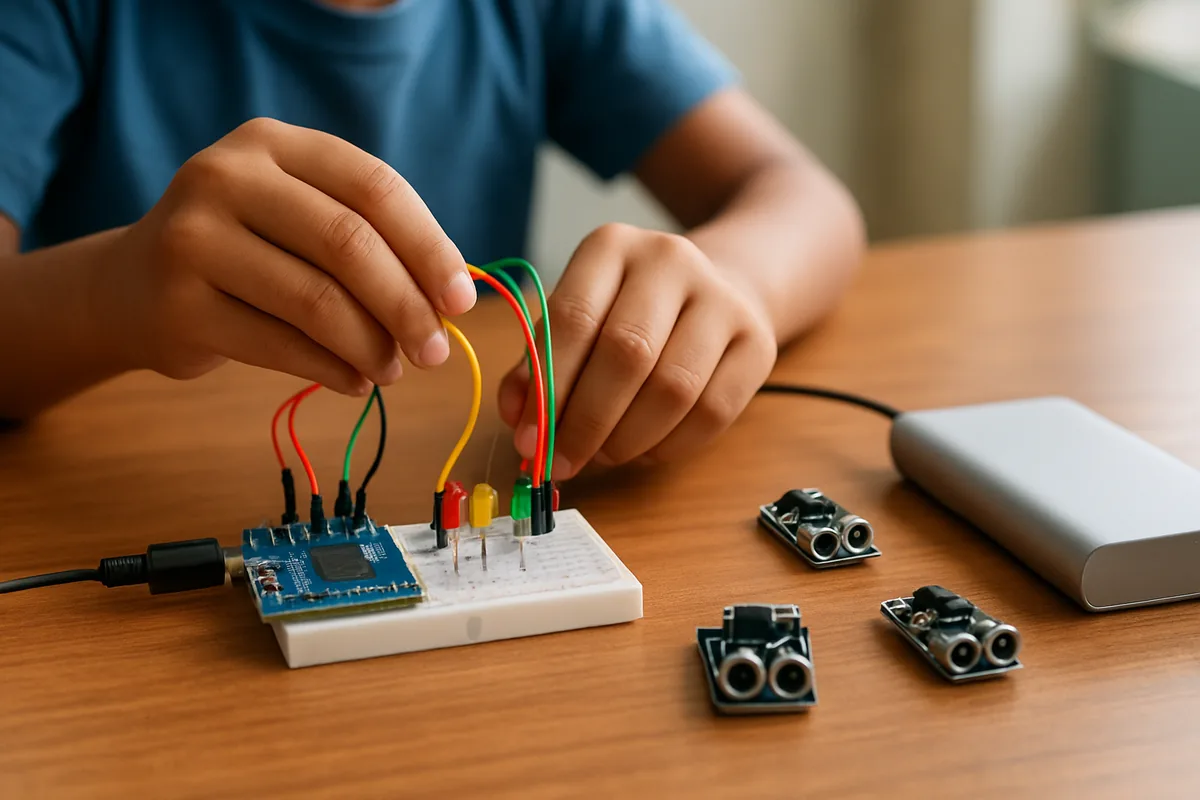
- Fix the breadboard to the side of your thermocol base with double sided tape.
- Place the three LEDs on the breadboard in a column, red at the top. Note that the longer leg is positive.
- Run a resistor from every positive LED leg to its own output pin on the board, one pin for red, one for yellow and one for green.
- Link every negative LED leg to the ground pin of the board.
- Each IR sensor has three pins: power, ground and signal. Connect power and ground to the board's low-voltage supply pins, and the signal pin to an input pin.
- Wire the push switch between an input pin and ground for the emergency button.
- Move the LEDs into your cardboard signal tower using longer wires, keeping the same order.
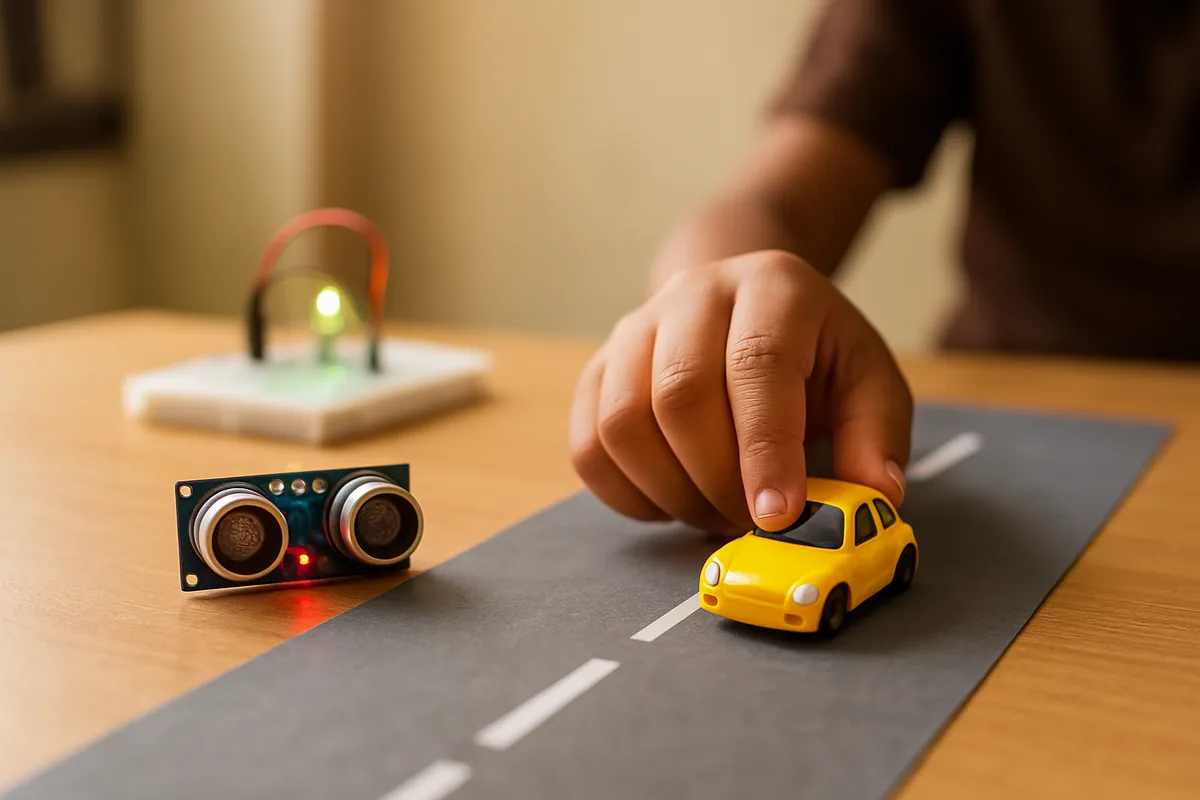
- Place the first sensor close to the stop line and the second one a few car lengths further back, both facing across the lane.
How the smart logic works, in everyday words
You do not need to show code to explain your model. Describe the rules the board follows:
- Normal cycle: green for a set time, then yellow for a short time, then red, and repeat.
- Counting: every time a toy car passes the first sensor, the board adds one to that road's count.
- Queue check: if the second sensor, further back, stays blocked, the queue is long.
- Deciding green time: a short queue gets the normal green. A long queue gets extra green, up to a fixed maximum so the other road is not stuck forever.
- Empty road: if no car is seen on a road, its green is cut short and the turn passes on.
- Emergency: when the button is pressed, the board finishes a short yellow, turns the emergency road green and holds it until the button is released.
Test and improve the model
- Test each LED alone first, then each sensor alone, before running the full model.
- IR sensors have a small screw to adjust range. Turn it until the sensor notices a toy car only in its own lane.
- Bright sunlight can confuse IR sensors. Shade them with a small cardboard hood.
- Write down green times with a short and a long queue and show this table at the fair.
- Add a pedestrian button that gives walkers a safe turn after the current green ends.
If you are new to circuits, start with the simpler battery version in our traffic light project guide, then come back here.
Safety while building
- Ask an adult to help if any soldering, cutting or glue gun work is needed.
- Unplug the power before changing any wire.
- If a part becomes hot or smells of burning, unplug at once and check for a wire touching the wrong pin.
- Keep small parts away from younger brothers and sisters.
Explaining your smart traffic system to judges
Judges at a science fair look for understanding, not just blinking lights. Prepare short answers to these:
- The problem: fixed signals waste time and fuel, and they delay ambulances.
- Your solution: sensors measure the queue and the controller changes green time to match.
- A live demo: put three toy cars on one road and none on the other, and show that the busy road gets more green.
- The emergency feature: press the button and show the instant change with a safe yellow step.
- Limits: say honestly that toy sensors are simple and that real cities use cameras and road loops.
- Future ideas: solar power, a pedestrian timer, or linking several junctions so cars meet green after green.
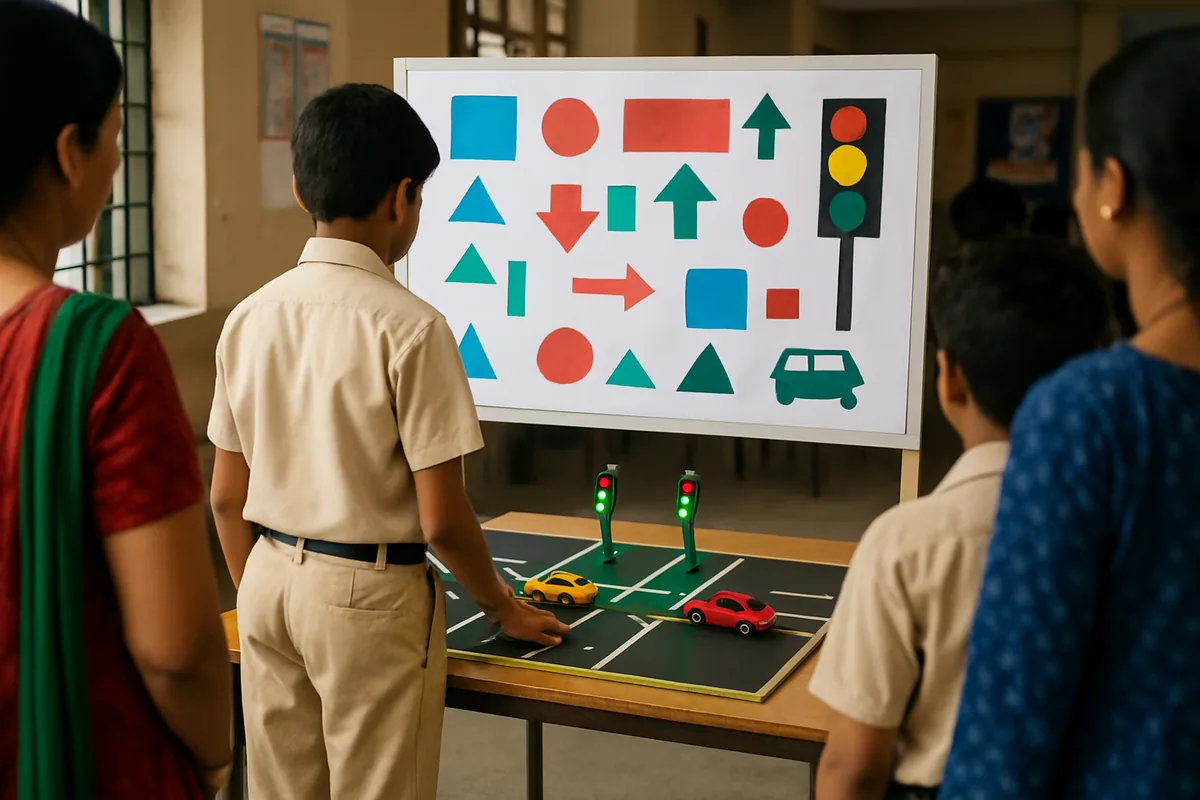
Support your talk with a neat chart. Layout ideas can be found in our traffic rules chart guide, while the classroom light chart page shows clean colour blocks you can borrow for a poster.
Questions people ask
What is a smart traffic light in simple words?
It is a signal that watches the road with sensors and changes how long each light stays on to match the traffic. A busy road gets more green and an empty road gets less.
Which sensors are best for a school model?
IR obstacle sensor modules are cheap, easy to wire and work well with toy cars. Place one near the stop line to count vehicles and one further back to notice a long queue.
Can I make a smart traffic light without a microcontroller?
You can make a working LED signal with switches and a battery, but it will not decide on its own. The board is what reads the sensors and changes the timing automatically.
How do I show the emergency vehicle feature?
Add a push button that stands for an approaching ambulance. When pressed, the board runs a short yellow on the other road and then turns the ambulance road green.
Is this project safe for a class 7 student?
Yes, if it runs on a power bank or a small battery pack and an adult helps with any soldering or cutting. Never connect the model to mains power.
Do real Indian cities use smart signals?
Many large cities now use adaptive signals and cameras at important junctions. They help traffic flow and also record rule breaking such as jumping the red light.